If your tourism listing had to choose between great words and great photos, the photos would win every time. Visitors planning their trip to the Bundaberg Region are scrolling quickly, and a strong image can stop them in their tracks while a poor one can send them straight past.
Show the experience, not just the place
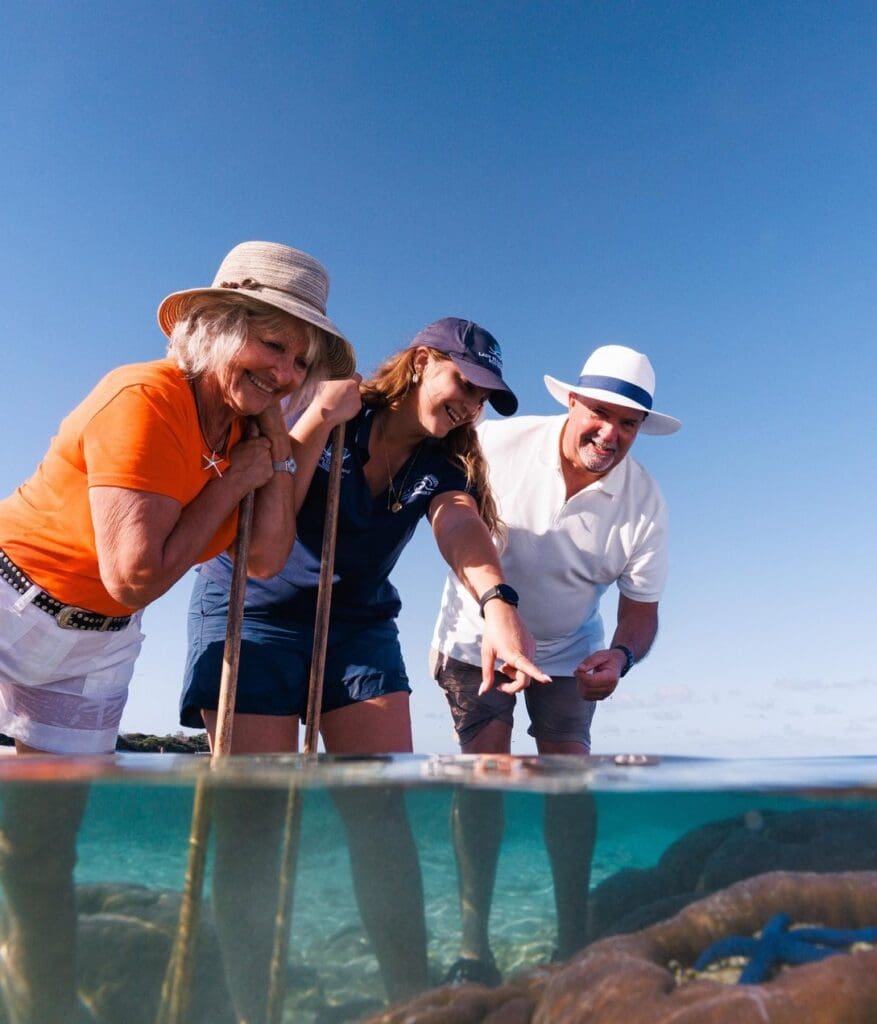
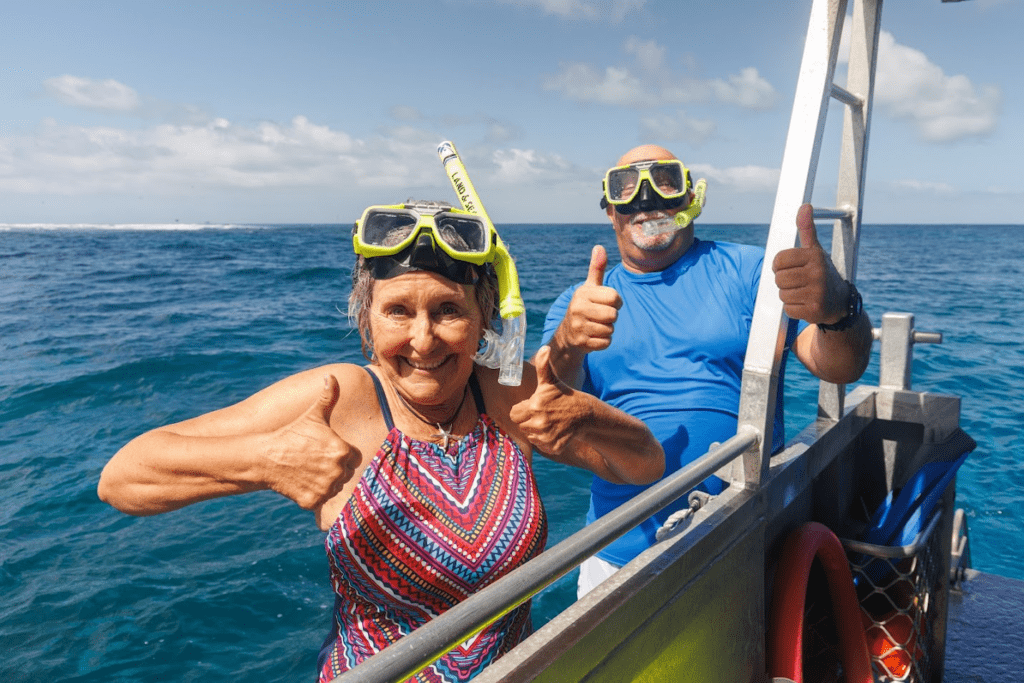
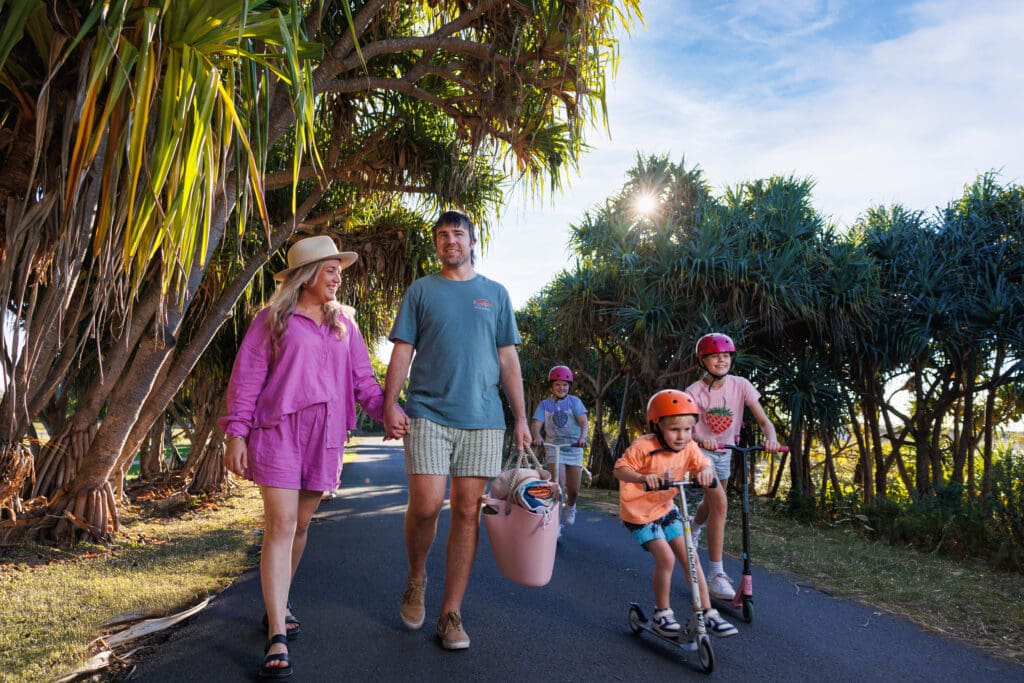
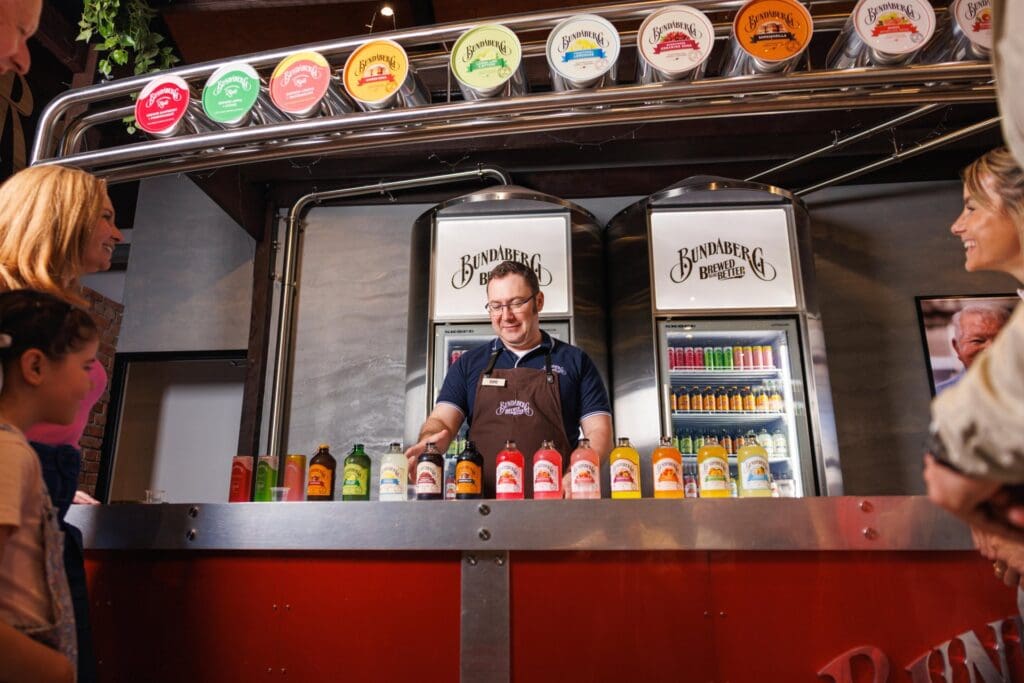
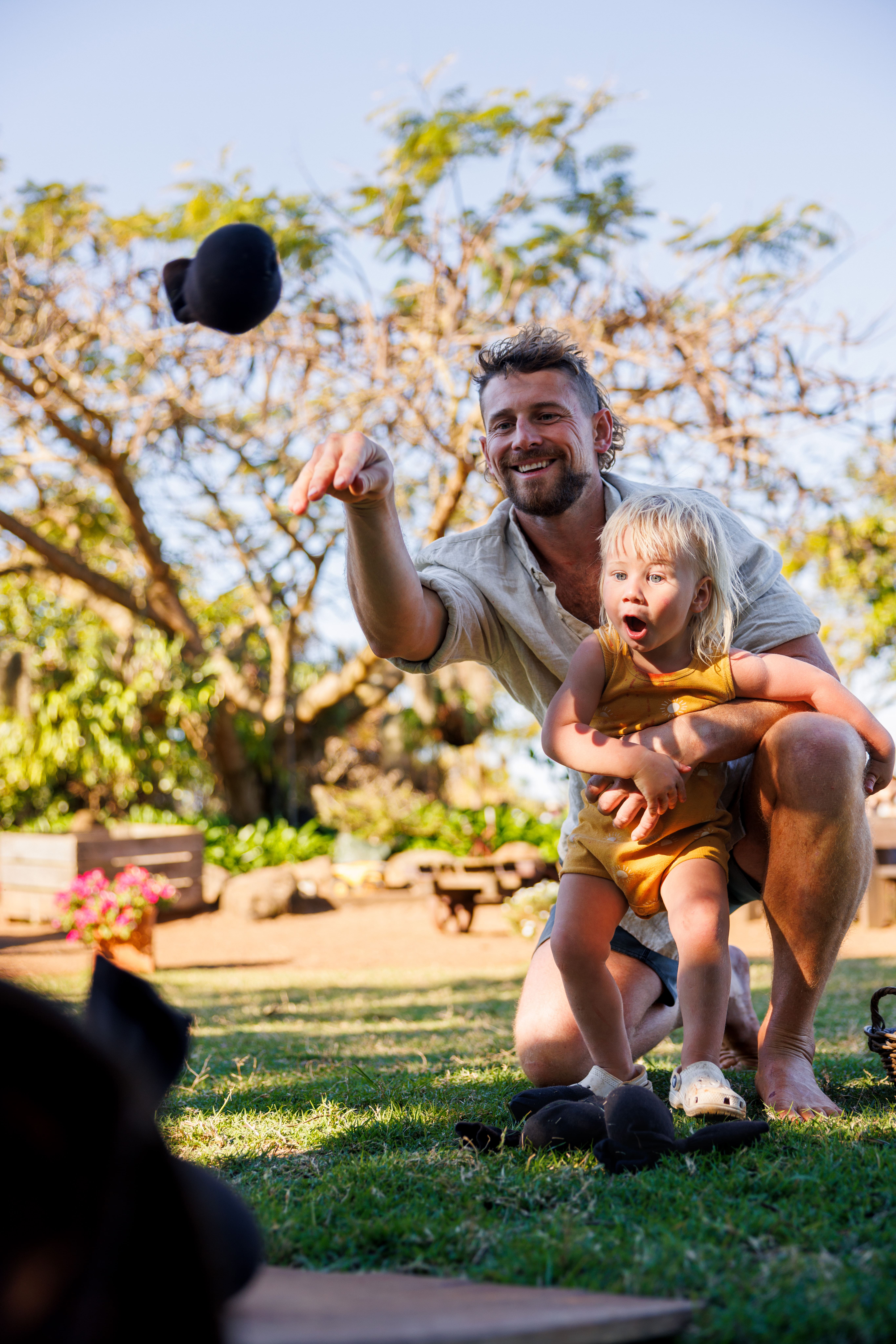
A photo of a building tells visitors where you are. A photo of people enjoying the experience tells them why they should go. Basic psychology means people imagine themselves in the moment so no matter how amazing your product is, it’s your experience that will drive clicks.
For example:
- A family laughing with a tour guide instead of a tour guide standing beside a bus
- Guests tasting rum instead of a bottle on a shelf
- Visitors swimming with a turtle instead of a turtle in the water
- A couple laughing over a meal instead of a plate of food
Bright, natural and welcoming
The best tourism images are:
- Bright and well lit
- Natural looking (not heavily filtered)
- Friendly and welcoming
- Easy to understand at a glance
Landscape vs Portrait: Choosing the Right Shape for Each Platform
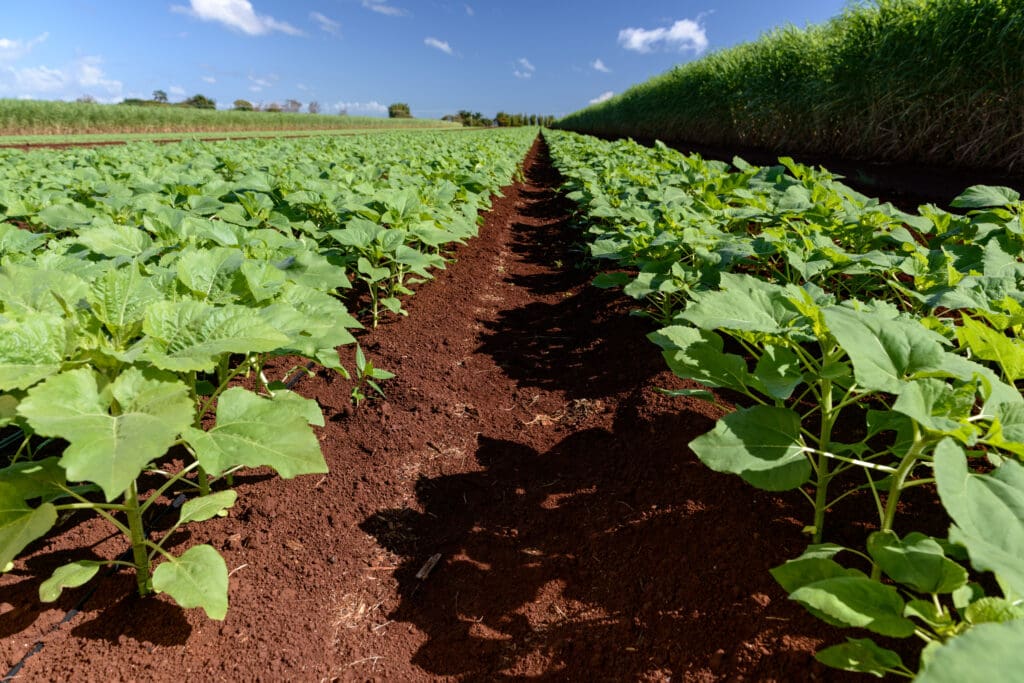
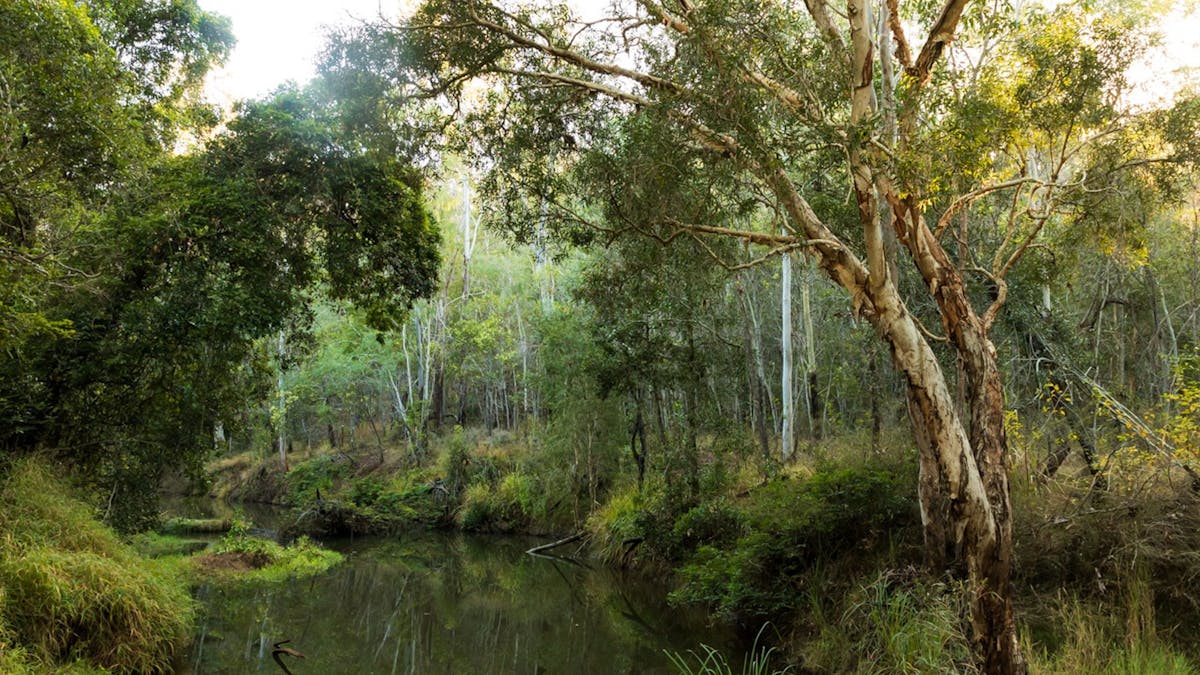
Most destination websites, including bundabergregion.org, display images in landscape (wide) format. These work best for website banners, listings and hero images because they fit neatly across the page and showcase the setting or experience.
A good rule of thumb for your ATDW listing and website content is to prioritise wide landscape images. These are more likely to display correctly across tourism websites and partner platforms.
However, social media plays by slightly different rules.
Portrait (tall) images tend to perform better on platforms like Instagram and Facebook because they take up more space in the mobile feed. That means they’re more eye-catching when people are scrolling.
So ideally, aim to capture both when you can:
- Landscape / wide images for websites, ATDW listings and banners
- Portrait / tall images for social media posts and stories
If you’re taking photos yourself, a simple trick is to shoot the same moment in both orientations. It only takes a second, but it gives you images that will work across multiple platforms.
Avoid these common traps
Some images don’t translate well online and will be rejected by ATDW:
- Text or promotional graphics on photos
- Event posters instead of real imagery
- Low-resolution or blurry photos (see our How To Guide on image sizes)
- Photos with watermarks or logos
These can make listings look less professional and may not display well across platforms.
You don’t need a big budget
Great photos don’t always require a full professional shoot – your smartphone is often all that you need. Start with what you have. Then gradually improve your image library over time by:
- Capturing real guest experiences
- Updating photos seasonally
- Using destination image libraries where available
Why this matters
Images are often the first thing visitors notice on the Bundaberg Region website. A strong photo can mean the difference between someone scrolling past… or clicking through to your business.
Think of your photos as your digital shopfront.